Uncensored AI Video

Free to create · Private by default

Uncensored AI Video Generator

Make a video from a written scene, animate a still, or create and edit an image. Start with the tool that matches what you already have: an idea, a reference, or a picture ready for motion.

Explore Creations
Creation tools
4
By default
Private
Shown upfront
Credits

Creative workflows

Choose a video or image tool

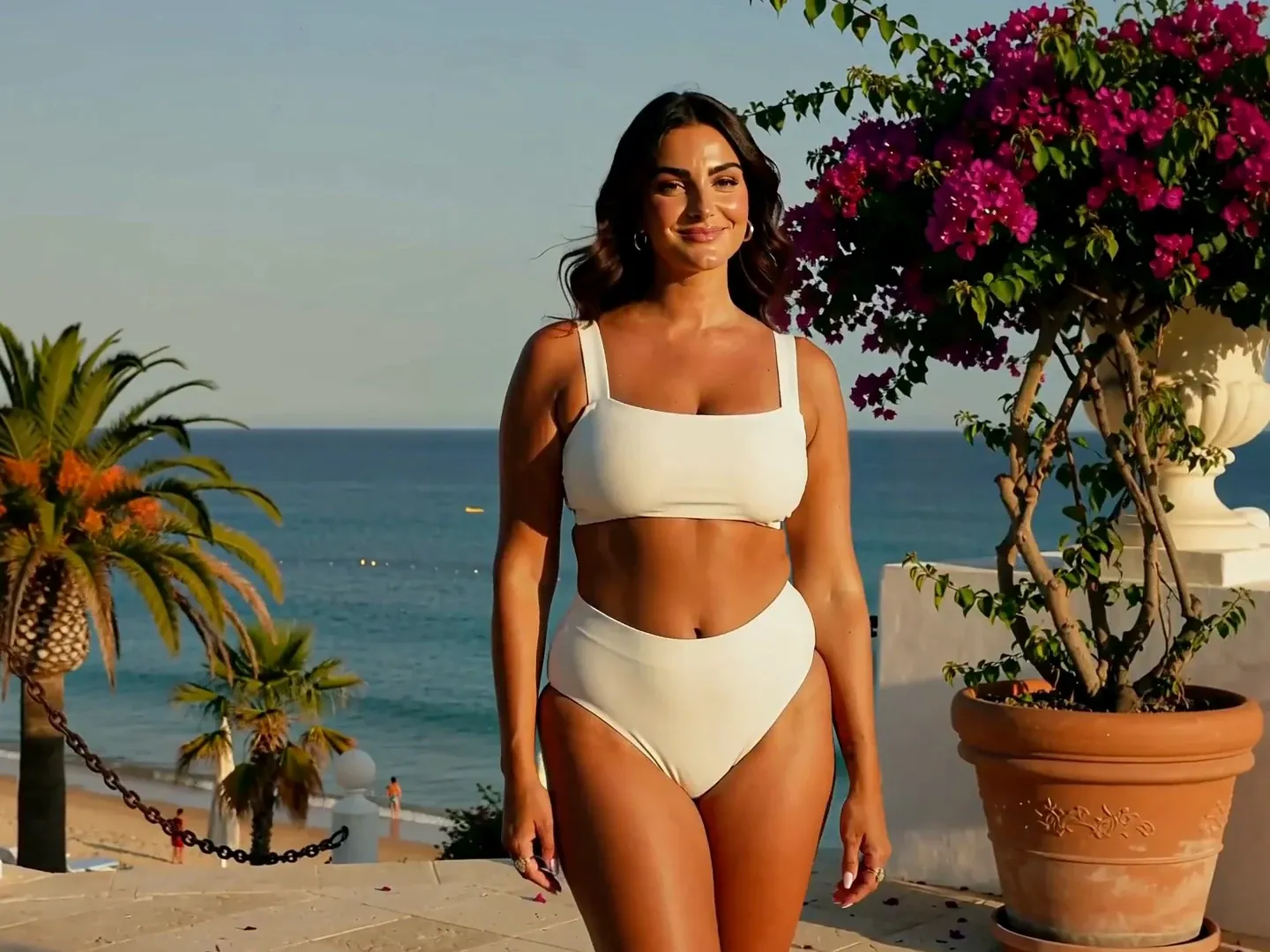
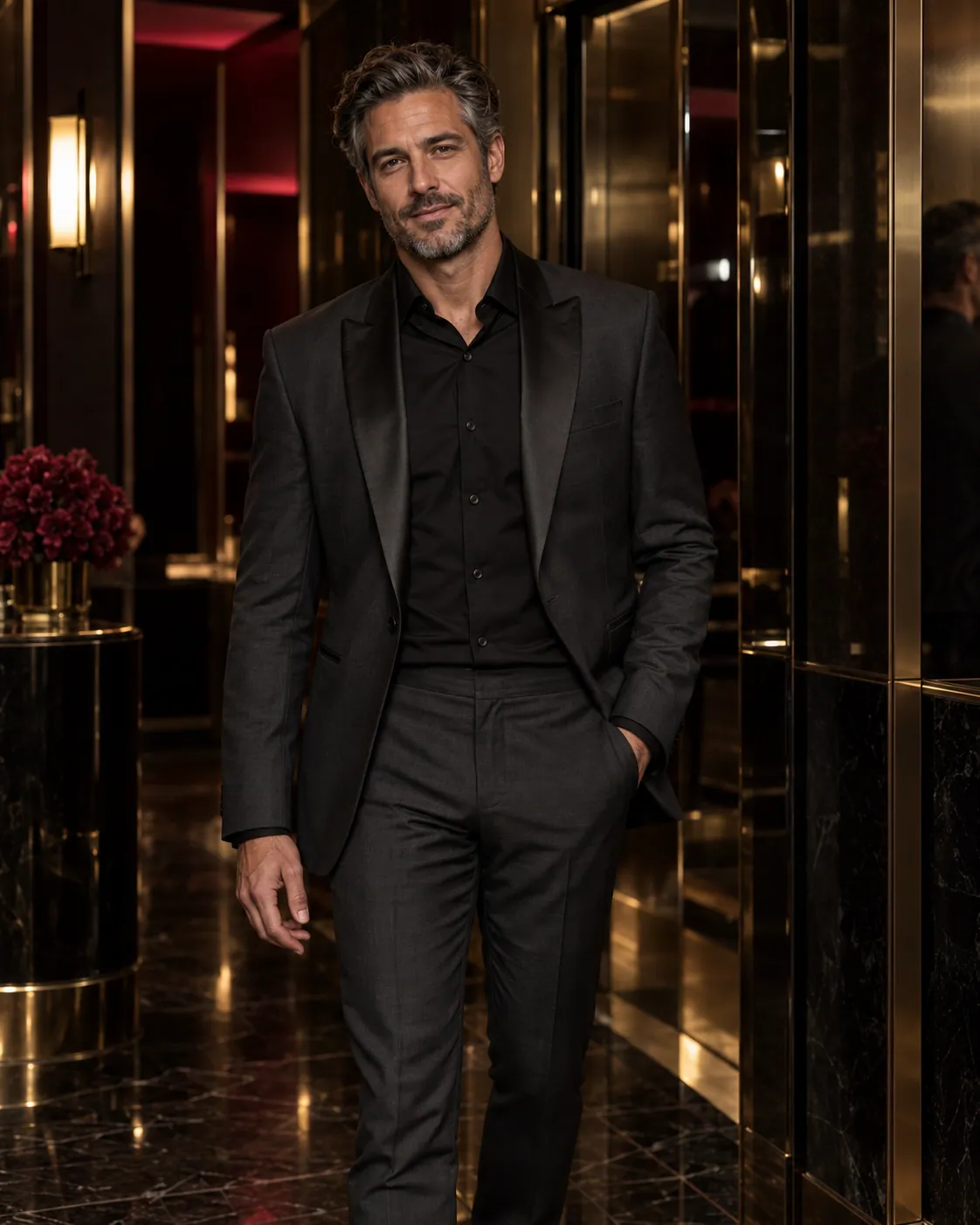
Two ways to create: video and image generation. Choose from four tools to start with text, animate a still, create an image, or edit an image you already have.

01Text-to-Video

Have a scene in mind? Start with words.

Use Text-to-Video when you want to invent the scene. Describe one subject, one action, and a camera move; no source image is needed.

Create Text-to-Video
AI-generated video
02Image-to-Video

Already have the picture? Add motion.

Use Image-to-Video when the composition is already decided. Upload an image you can use, describe what should move, and check how the subject changes throughout the clip.

Animate an Image
Source image brought to life
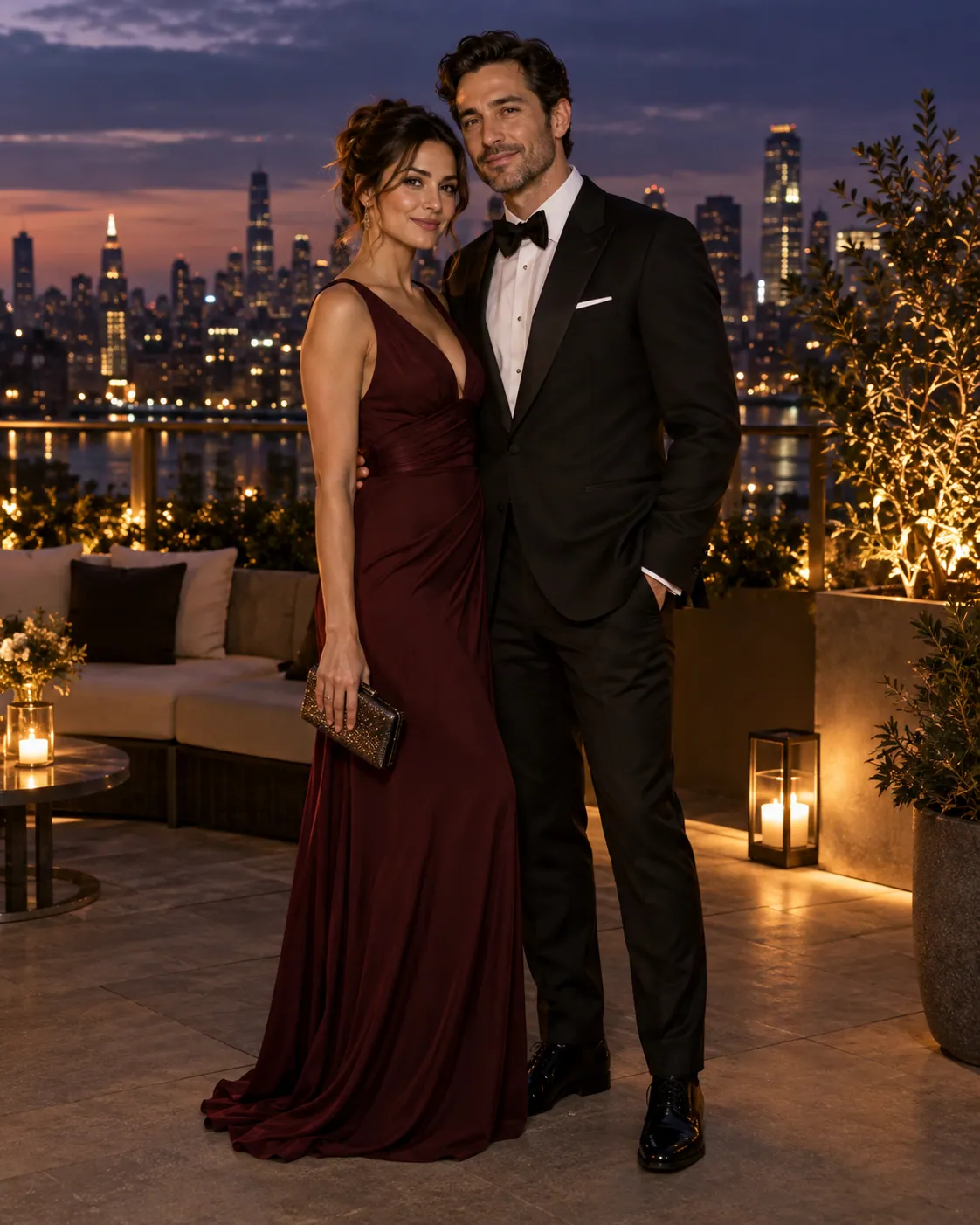
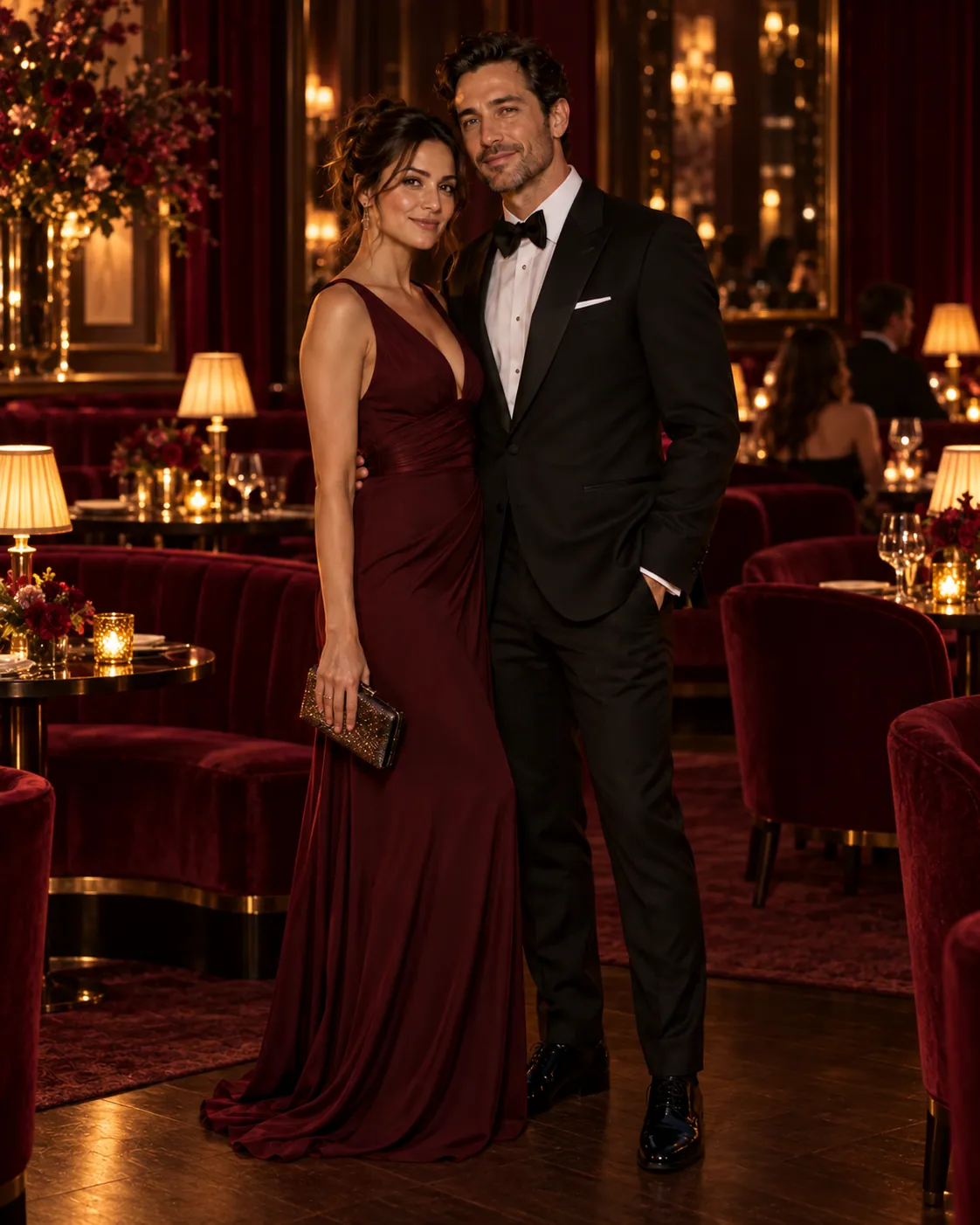
03Text-to-Image · Image-to-Image

Create a new image or revise an existing one.

Describe a subject and scene to create a new image, or upload a reference and describe what you want to change. Keep the result as a still image or animate it with Image-to-Video.
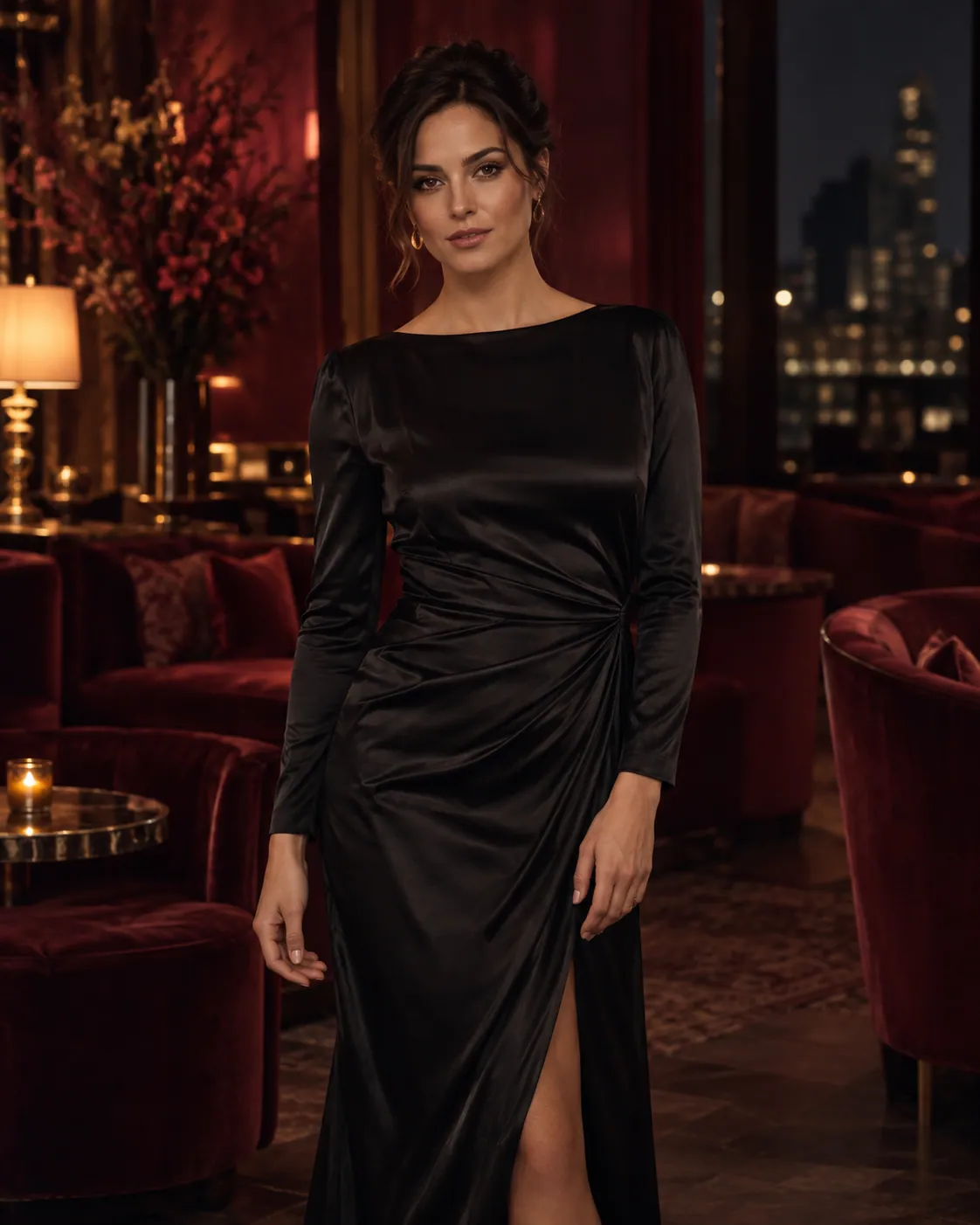
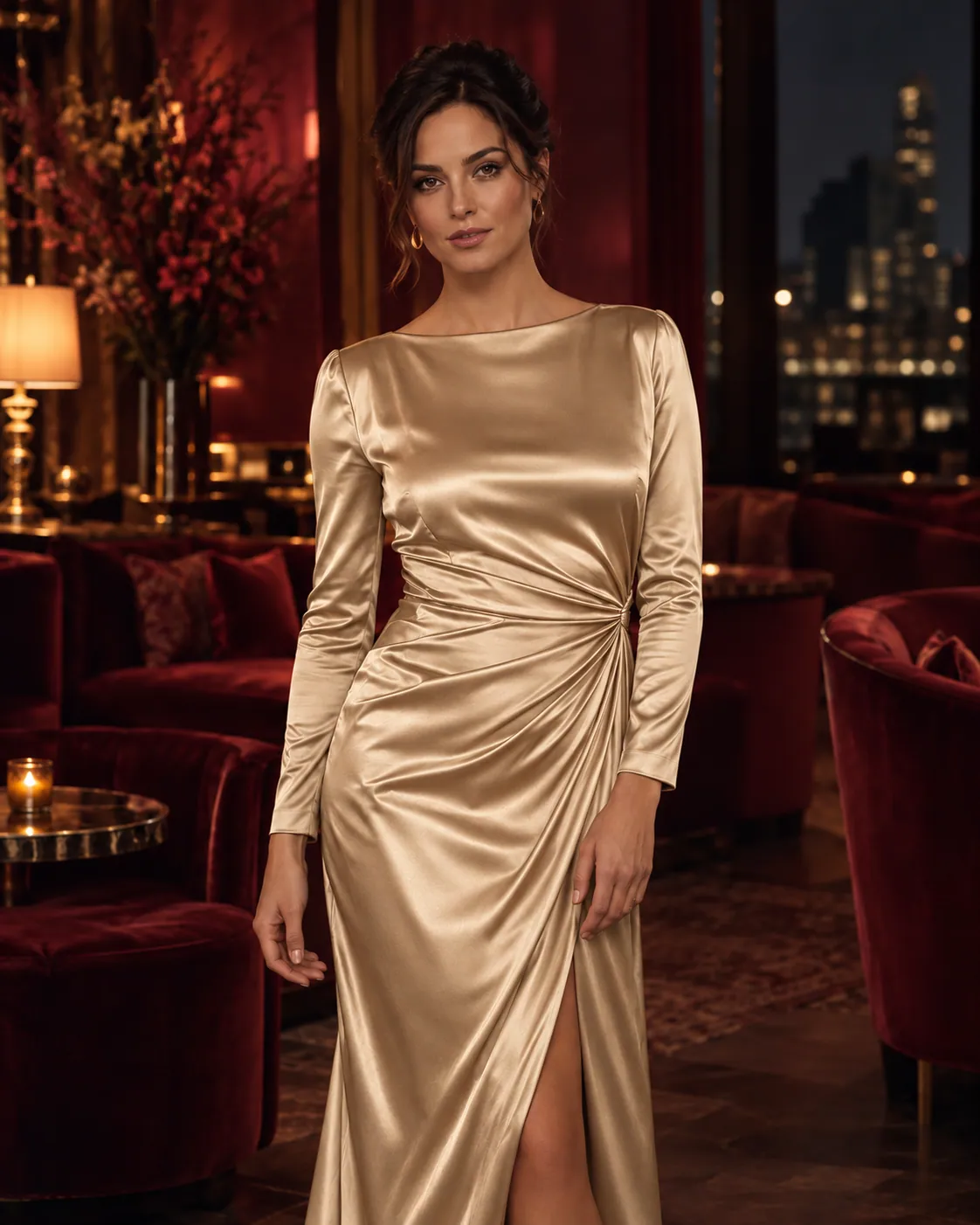
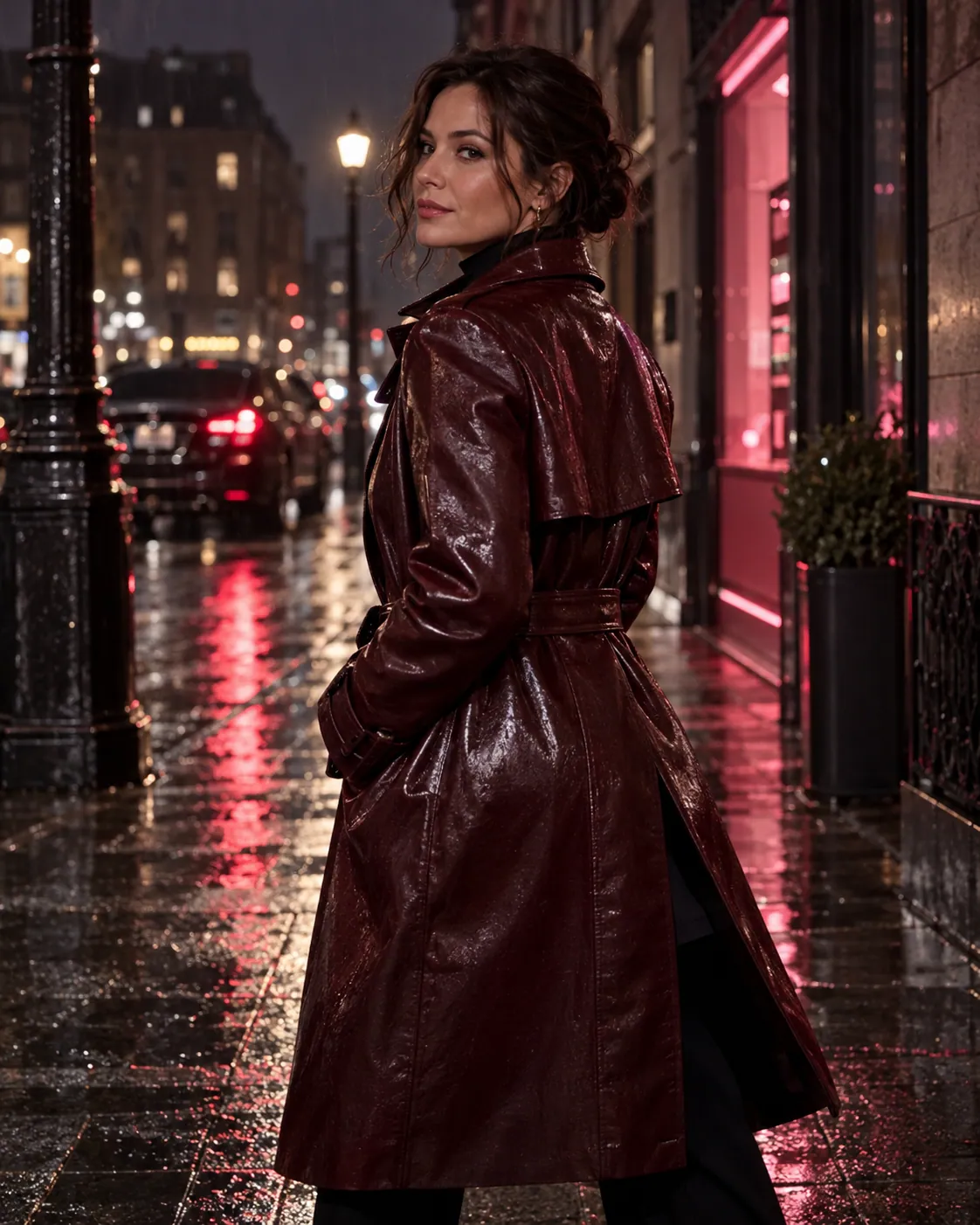
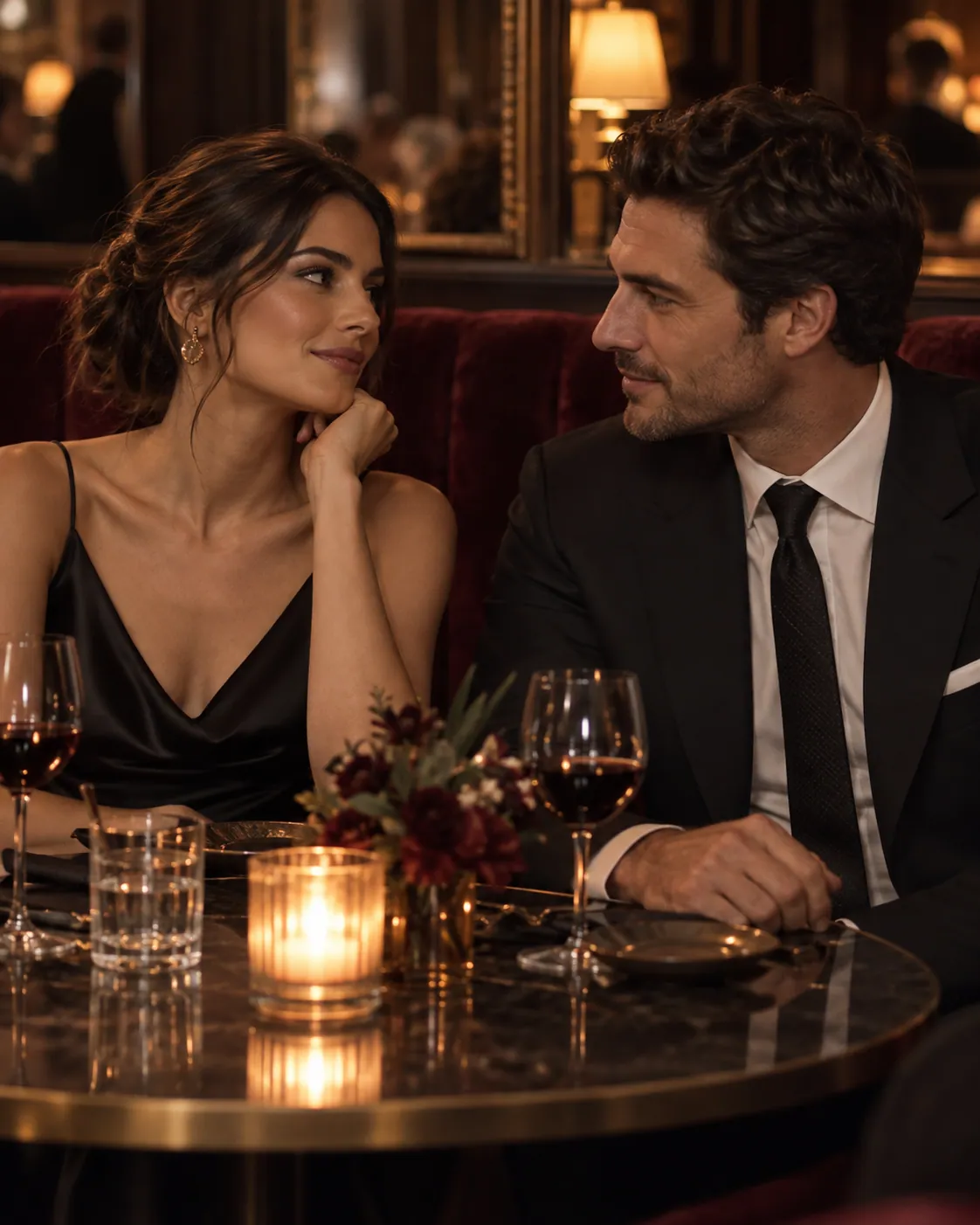
Original AI image wall

Models

Models available for your next creation

Video

AI Video Models

Available models

Catalog unavailable. Current settings and Credits cannot be shown.

Open a tool to see the models and settings available for your creation.

Image

AI Image Models

Available models

Catalog unavailable. Current settings and Credits cannot be shown.

Open a tool to see the models and settings available for your creation.

Gallery

Find a visual direction to try

Browse site-owned AI images, from product photography to paper sculpture. Create similar opens the starting prompt; choose your own model and settings in the generator.

A translucent glass moth glowing above a volcanic lake at night

Material fantasy

Glasswing Nocturne

Cinematic glass study
A crimson glass conservatory standing on a moonlit lunar landscape

Architecture

Lunar Conservatory

Surreal environment concept
A mirror-chrome concept roadster crossing a rose-red salt desert

Automotive

Rose Salt Velocity

Fictional campaign direction
Three ivory porcelain koi rising through midnight paper waves

Crafted worlds

Porcelain Current

Ceramic and paper study
A monumental black stone hand holding a luminous glass forest

Surreal nature

Forest in Hand

Monumental landscape concept
A brutalist underwater lounge with manta rays beyond curved windows

Interior worlds

Below the Surface

Underwater spatial concept
A fictional adult bicycle messenger in a saffron jacket beside a cobalt wall

Editorial photography

Coastal Courier

Sunlit street portrait
Three handmade clay robots baking an enormous cherry pie in a mint kitchen

Stop motion

Cherry Workshop

Tactile miniature scene
A vermilion night train crossing a stone bridge above turquoise woodcut waves

Printmaking

Moonwave Express

Layered woodcut journey
An unlabeled citrus glass perfume bottle framed by chrome ribbons and green leaves

Product direction

Citrus Orbit

Bright studio still life
A fictional adult lunar botanist tending floating plants in a retro screenprint habitat

Retro illustration

Lunar Botanist

Optimistic science fiction
A woven bamboo pavilion spiraling through wet emerald rice terraces

Natural architecture

Terrace Ribbon

Post-rain aerial concept
Impossible warm-ivory marble staircases wrapped in translucent burgundy fabric

Impossible architecture

Burgundy Atrium

Monumental spatial study
A macro view of a frosted glass orchid with cranberry bubbles

Macro materials

Frosted Glass Orchid

Frosted glass study
A pale stone observatory with circular stairs around a crimson glass sphere

Orbital architecture

Crimson Orbit Observatory

Cloud observatory concept
A retro animated space courier crossing a salt plain beneath two moons

Cel animation

Twin Moon Courier

Retro courier scene
An ivory paper snow leopard walking through a burgundy paper forest

Paper craft

Paper Snow Leopard

Layered stop-motion set

From one step to the next

Choose a path for your project

Each tool handles a different part of the work. Move on when the current result is ready.

How it works

From input to a result you can review

01

Choose What to Create

Choose video or image generation, then start from text or an existing picture.

02

Describe Your Idea

Enter a prompt and add an authorized source image when your chosen workflow needs one.

03

Review the Result

Find completed work in My Assets. Check the result at full size before saving it or starting the next step.

Answers for creators

FAQs About AI Video and Image Generation

What is an uncensored AI video generator?+

An uncensored AI video generator supports broader creative direction while still requiring lawful use, rights, consent, site policy, and active provider restrictions.

Is it free to create AI videos?+

Yes. A free creation allowance is available for supported AI generation workflows. Current availability and usage limits are displayed within the product.

Can I create an AI video from a text prompt?+

Yes. Text-to-Video begins with a written direction for the subject, action, camera, lighting, atmosphere, and other details that should shape the shot.

Can I animate my own image?+

Yes. Image-to-Video lets you add motion and camera direction to an image you are authorized to use while identifying the details that should remain consistent.

What is an AI image generator?+

An AI image generator turns a written prompt into a new image. Use Text-to-Image to create from words, or Image-to-Image to revise a reference. Each tool shows its available settings and exact Credits.

Are my AI creations private?+

Yes. Prompts, source media, and generated results are private by default unless you explicitly choose to publish eligible material.

Do I need video or image editing experience?+

No advanced editing skills are needed to begin. Prompts and guided creative controls let you describe the intended subject, motion, camera, and visual direction.

Does uncensored mean anything is allowed?+

No. Uncensored means greater creative freedom, not an absence of rules. Rights, consent, applicable law, site policy, and active provider restrictions still apply.

Create freely and responsibly. Rights, consent, site policy, and applicable law still apply.

Free to create

Create Your Next AI Visual for Free

Turn a prompt or an authorized image into an original AI visual. It is private by default and designed for creative freedom.